HubSpot, your way.
Free browser tools for HubSpot navigation and theme control, plus Snippet Power Tools for paid bulk snippet export, spreadsheet editing, and import.
Why we made these free
UI should belong to the user.
HubSpot is a powerful platform, but its interface is fixed. You can't reorder the sidebar, rename menus to match your team's language, or switch to a dark theme - not natively, anyway.
We built these tools because we use HubSpot ourselves every day and wanted a better experience. UI quality-of-life improvements shouldn't be a paid feature - they just make daily work more comfortable. So we made them free, permanently.
No accounts. No data sent anywhere. Changes live in your browser and apply instantly on every HubSpot page you open.
Free extensions
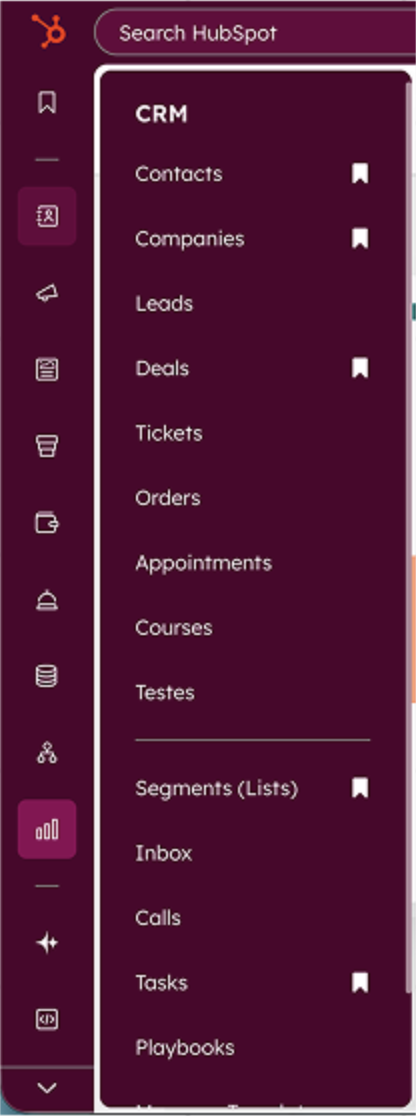
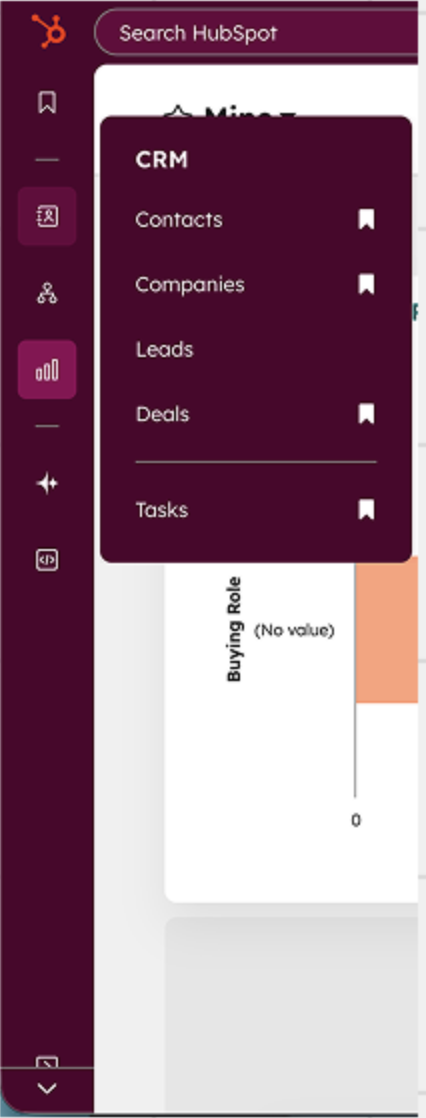
A free Chrome extension that lets every HubSpot user hide, rename, reorder, and re-icon items in the left sidebar - no admin access required, settings saved per portal.
- Hide menus you don't use to clean up the sidebar
- Rename items to match your team's terminology
- Reorder by drag and drop and swap icons from a 50+ Phosphor set
- Settings saved per HubSpot portal, all stored locally in your browser
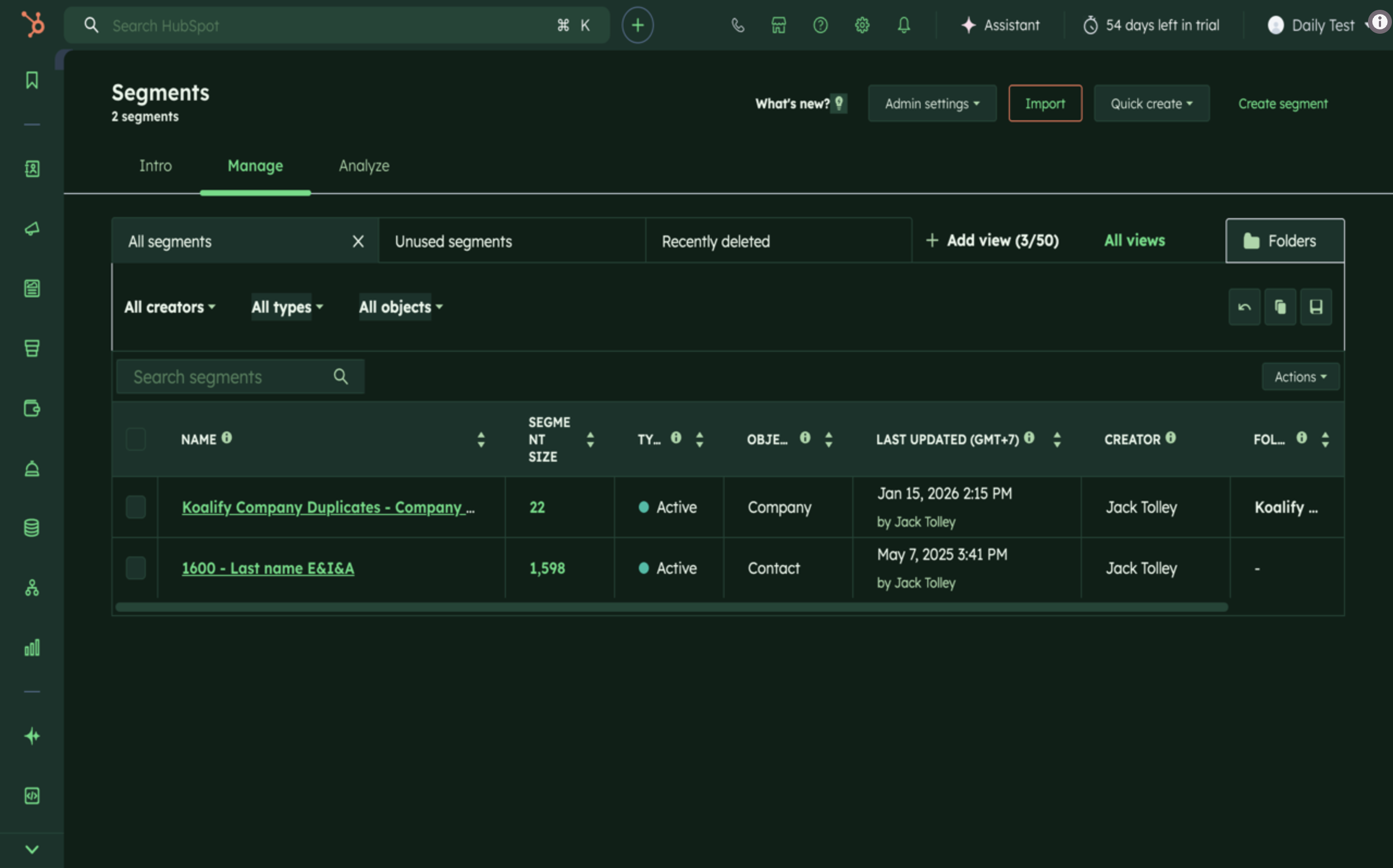
A free Chrome extension that swaps HubSpot's bright default theme for dark mode, light mode, or any custom colour scheme - applied instantly, persisted across sessions, and entirely local to your browser.
- Dark mode for HubSpot - tuned for readability across every screen
- Custom themes covering background, text, accent, and border colours
- Instant switching from the extension popup, no page reload
- Per-user and per-browser - settings are local, nothing changes for the rest of the portal
Also available
A Chrome extension that adds Export and Import buttons to HubSpot's snippets page so you can edit hundreds of snippets in a TSV file - in Excel or Google Sheets - and sync the changes back in one go.
- Bulk export every HubSpot snippet to a TSV file
- Edit names, bodies, and folder assignments in Excel or Google Sheets
- Re-import to update existing snippets in place or create new ones
- Migrate snippet libraries between HubSpot portals with one export + import
- Lifetime licence - pay once, no subscription
